Target practice game
First-person shooter game made with custom rendering engine based on OpenGL/OpenGLES/WebGL.
This is my “learn OpenGL properly” project. Plus I also wanted to have some open source C++ project to show off. Besides that the goal is to make first-person shooter, where you practice your aim and reflexes by shooting appearing targets.
I was surprised how nice OpenGL API actually is and how fun can writing shader be.
In addition it was nice opportunity to learn a lot about lighting, materials, 3D models and such.
For texture loading I use stb-image.h, for .obj 3D model loading I use tinyobjloader-c.
The real challenge was to make the rendering engine work with each of OpenGL 3.3, OpenGLES 2.0 and WebGL. The only setback at this moment is that stencil buffers are not working with OpenGLES 2.0 on some GPUs1.
Web Demo
This browser version is compiled using emscripten. Since I anticipated this from the beginning it was pretty easy to make it work. Mouse movement sometimes glitches a bit in some browsers, I suspect it’s a cursor locking issue caused by GLFW.
Used technology
- OpenGL + GLSL – I use OpenGL 3.3 for desktop builds and OpenGLES 2.0/WebGL1 for web build (and some older dekstops).
- GLFW3 – Well known library that I used for window and mouse/keyboard input managing.
- Nuklear – Immediate mode UI library that I wanted to try out.
As mentioned, the project is programmed in C++. I’m going for C++17 and I use modern C++ where I see fit (smart pointers, constexpr, std::move…). However the design of OpenGL API makes it typically unnecessary. Personally I still prefer Zig over C++ or C. Zig would help dramatically with a lot of annoyances like C++ constructors, compile time execution and build system.
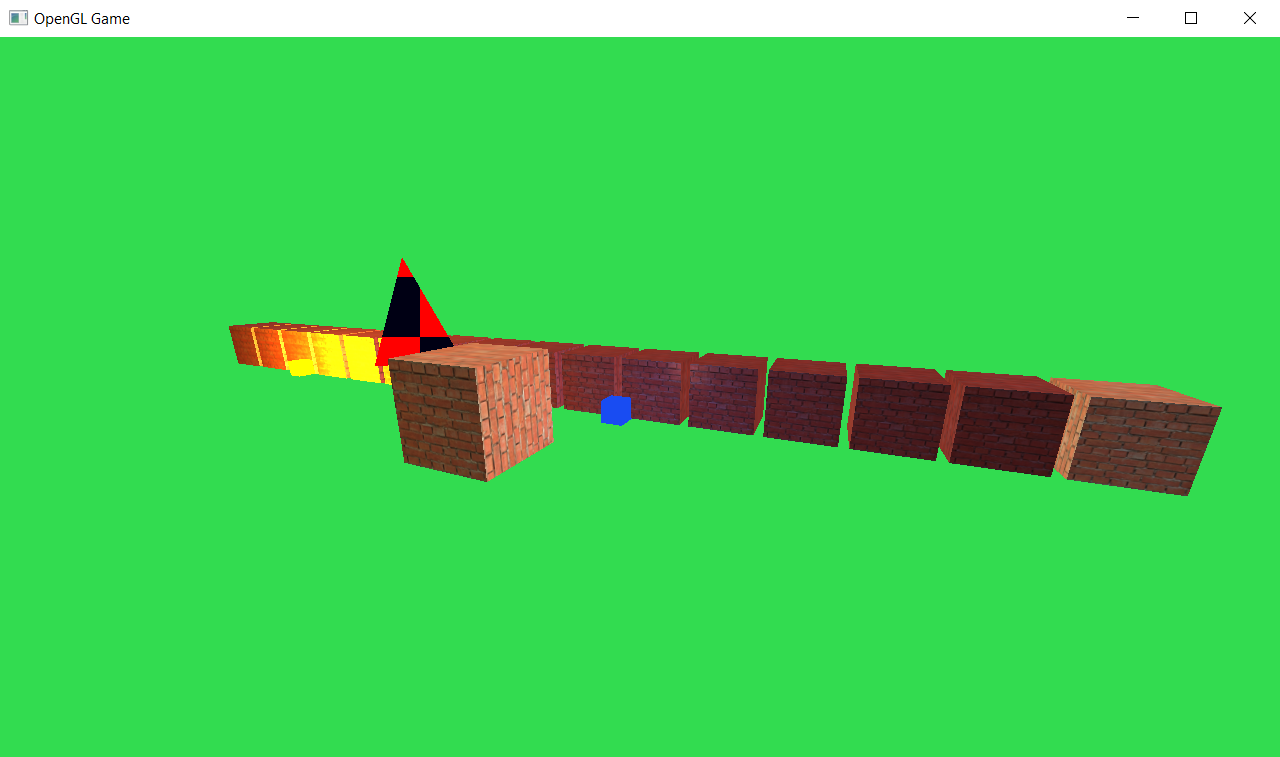
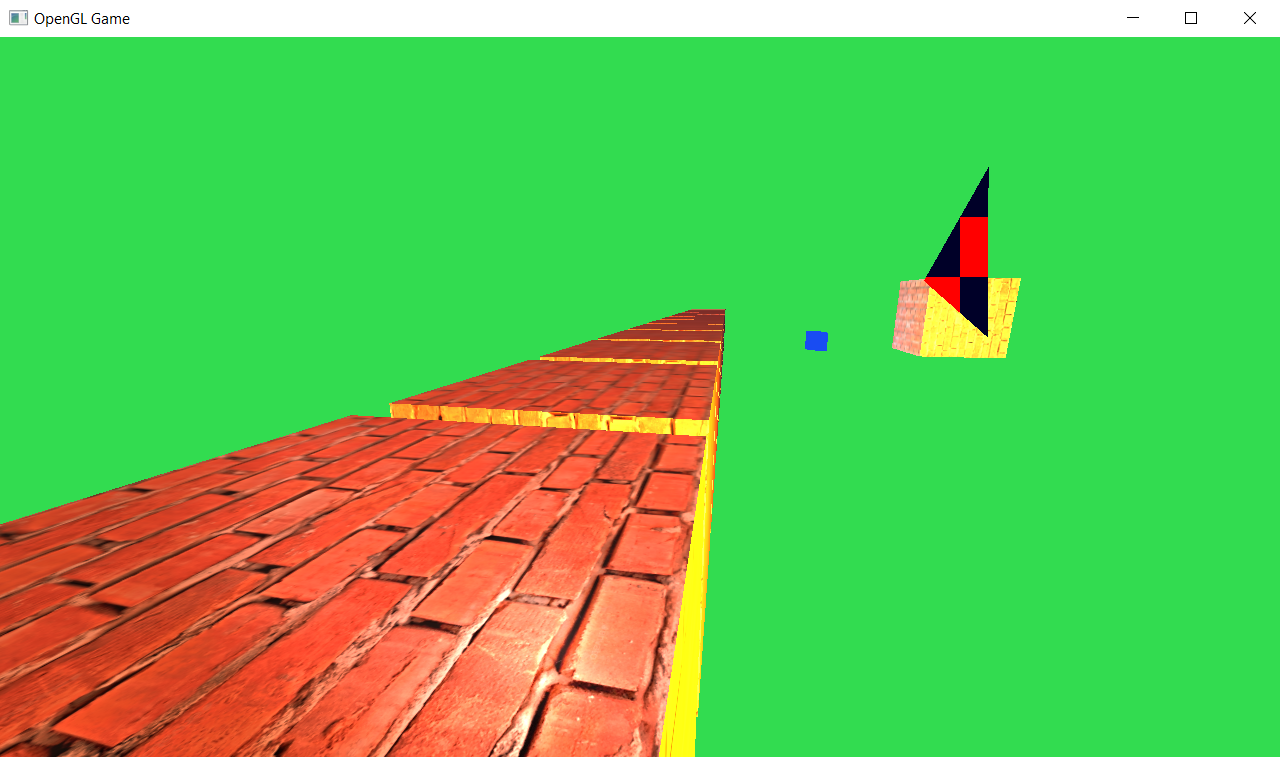
Screenshots - Lighting demo
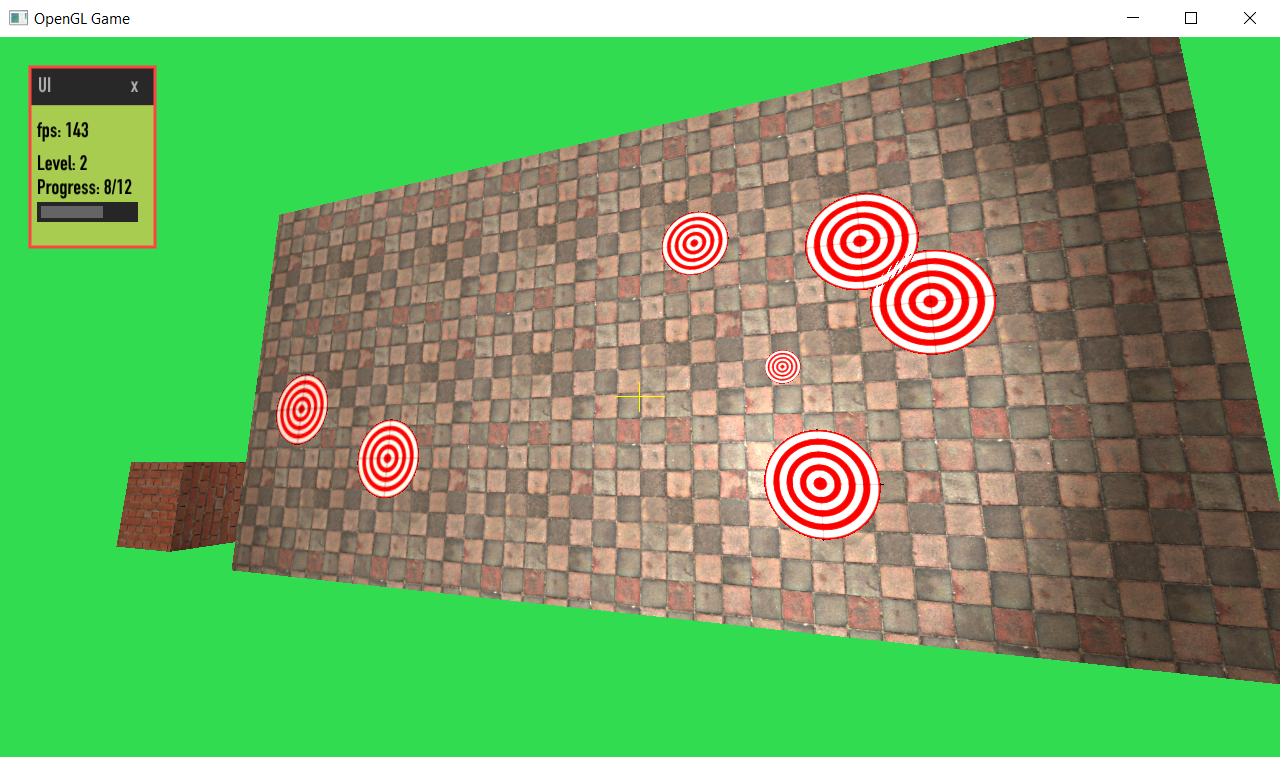
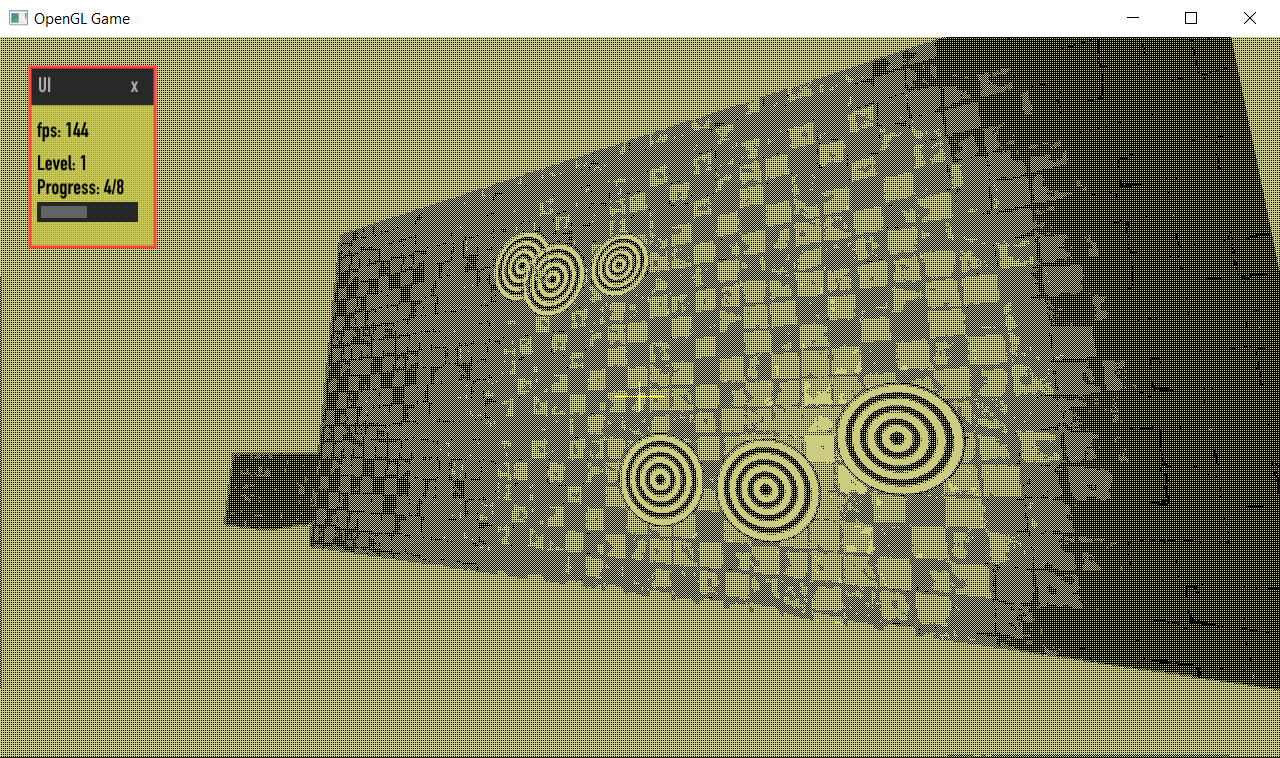
Screenshots - Target shooting
Shaders
Since I wanted this game to work on both desktop and in the browser, I’m using OpenGL 3.3 or OpenGLES 2.0 or WebGL1 depending on the platform. However GLSL version 330 core isn’t really compatible with version 100, so you would need to write each shader in two versions and also keep them in sync. Yes, you can transpile between them, but in my experiments it didn’t really work out, since it was very limiting (for example macros got expanded prematurely).
So in the end I decided to make my own preprocessor/include system, which was pretty succesful and currently I only need to write each shader once. It esentially just includes some lines to the shader’s source code that differ based on the used OpenGL version. You also need to use specific macros in the shader source to do certain stuff:
TEXTURE2D(myTextrue, pos)instead oftexture(myTexture, pos)/texture2D(myTexture, pos)- or
OUTPUT(outputColor)to output a color from fragment shader IN_ATTRfor input attribute definitions andOUT_ATTRfor output ones.
It also allows me to append arbitrary pieces of code to shaders, which is useful for including extra functionality into them based on some logic in the C++ code.
Further plans
Further plans are obviously to finish the target shooting aspect of the game, include levels, moving targets and variety of other mechanics. Also I want the game to work on the web properly, improve the bare-bones html shell and fix cursor locking.
-
Works on Intel, but not on NVIDIA. Probably caused by drivers forcing combined depth-stencil renderbuffers, however those are sadly not possible with OpenGLES 2.0 :( ↩︎