3D Game using Raylib
A 3D game made using Raylib with custom collision mechanics and physics.
My first attempt at a 3D game. I used simple game programming library Raylib for rendering and I/O. Project is written entirely in Zig, seems like a good combination with Raylib (which is written in C).
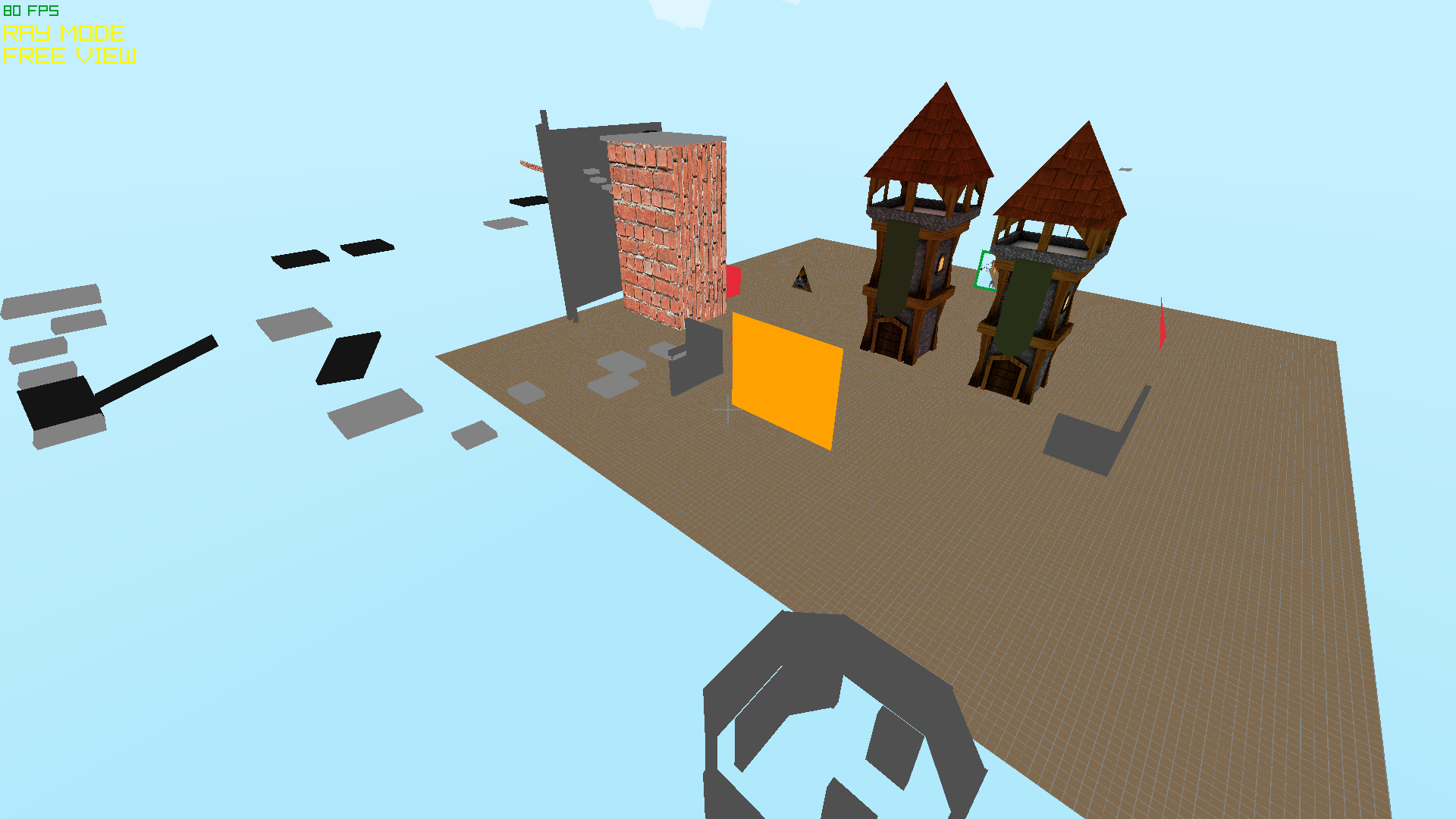
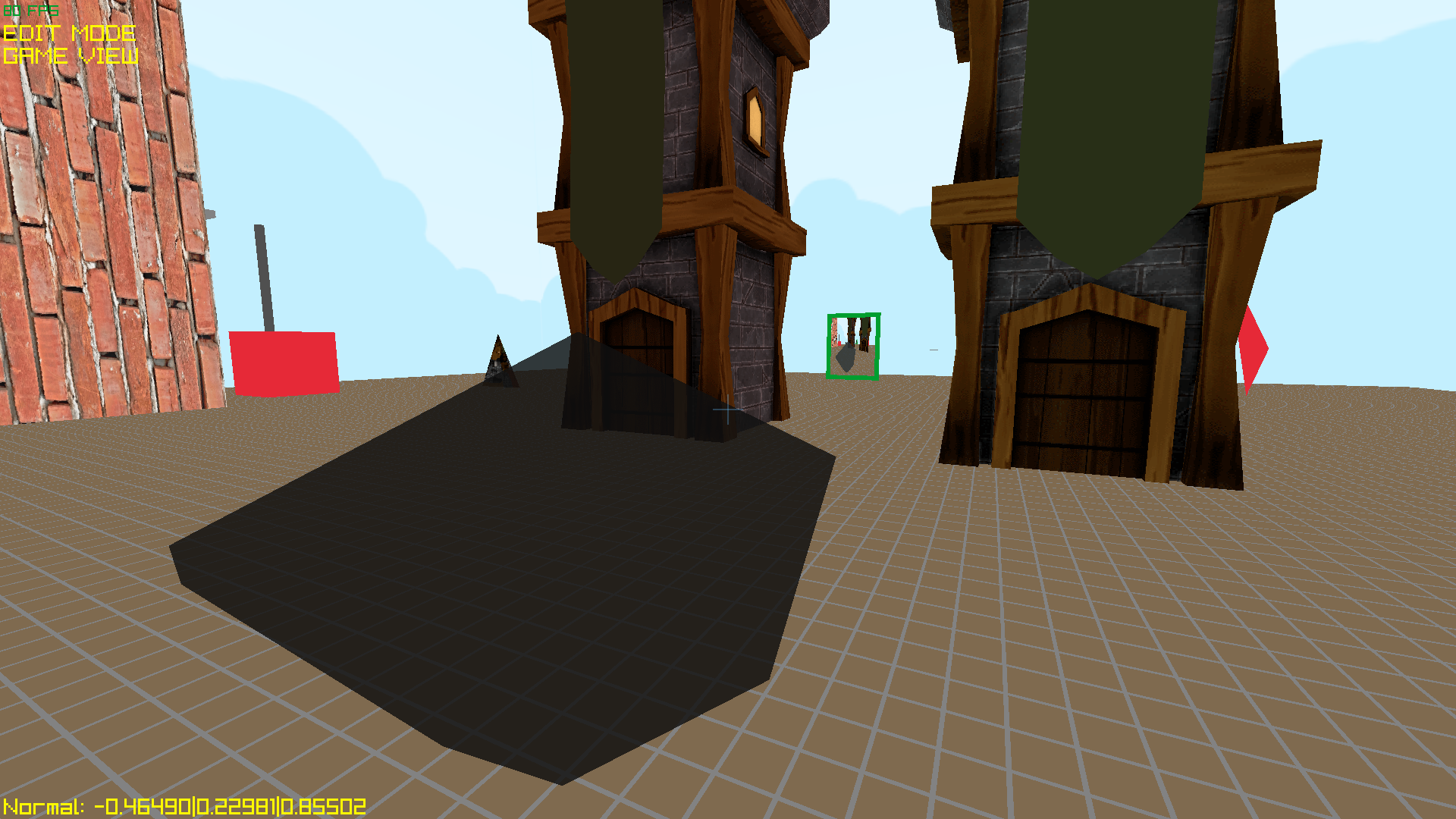
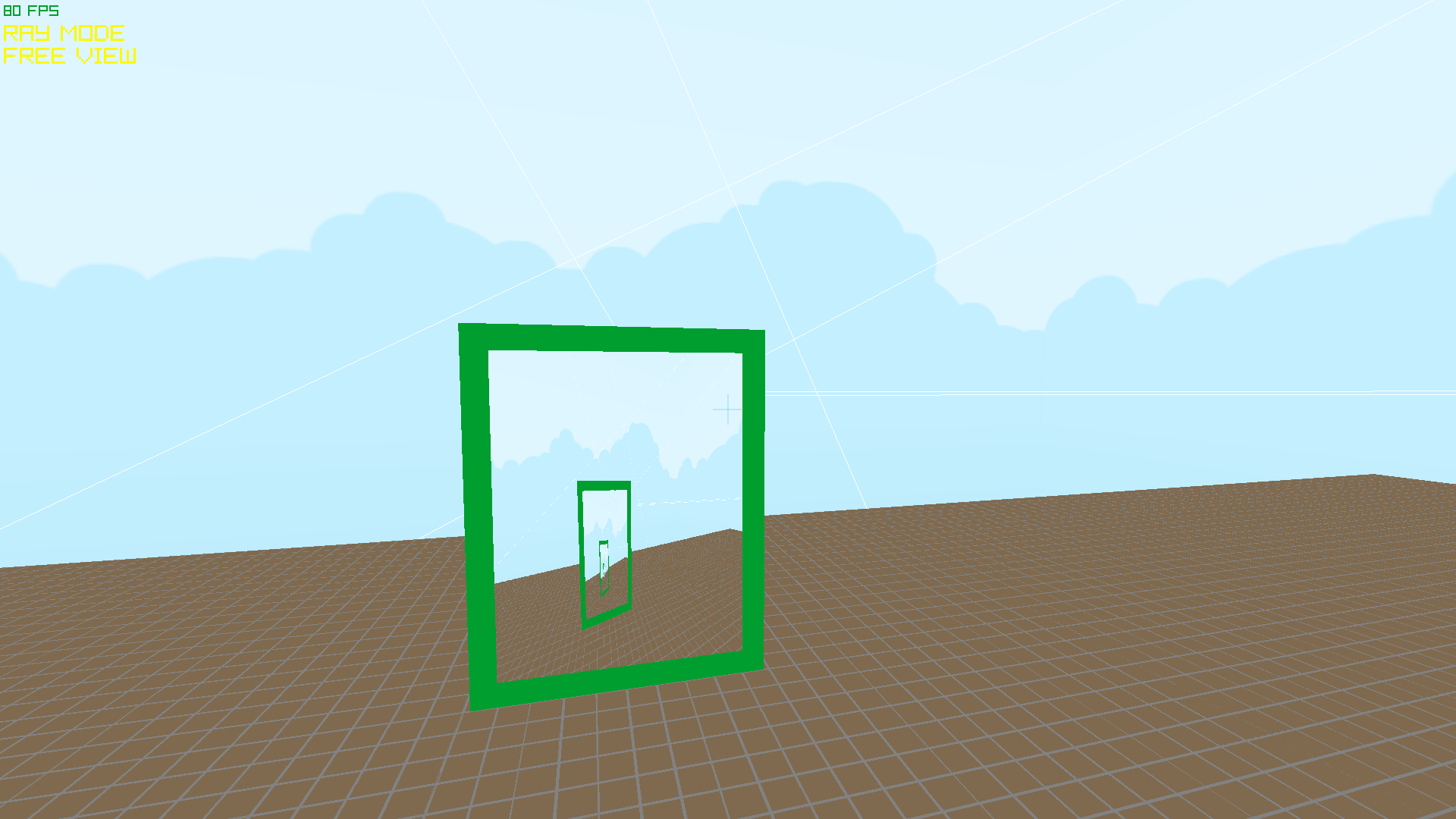
The game is mainly just a playground of stuff I was testing out. You can build, delete or edit simple structures, and there is a short obstacle course that you can try to jump trough - but it proved to be quite a challenge for some people.
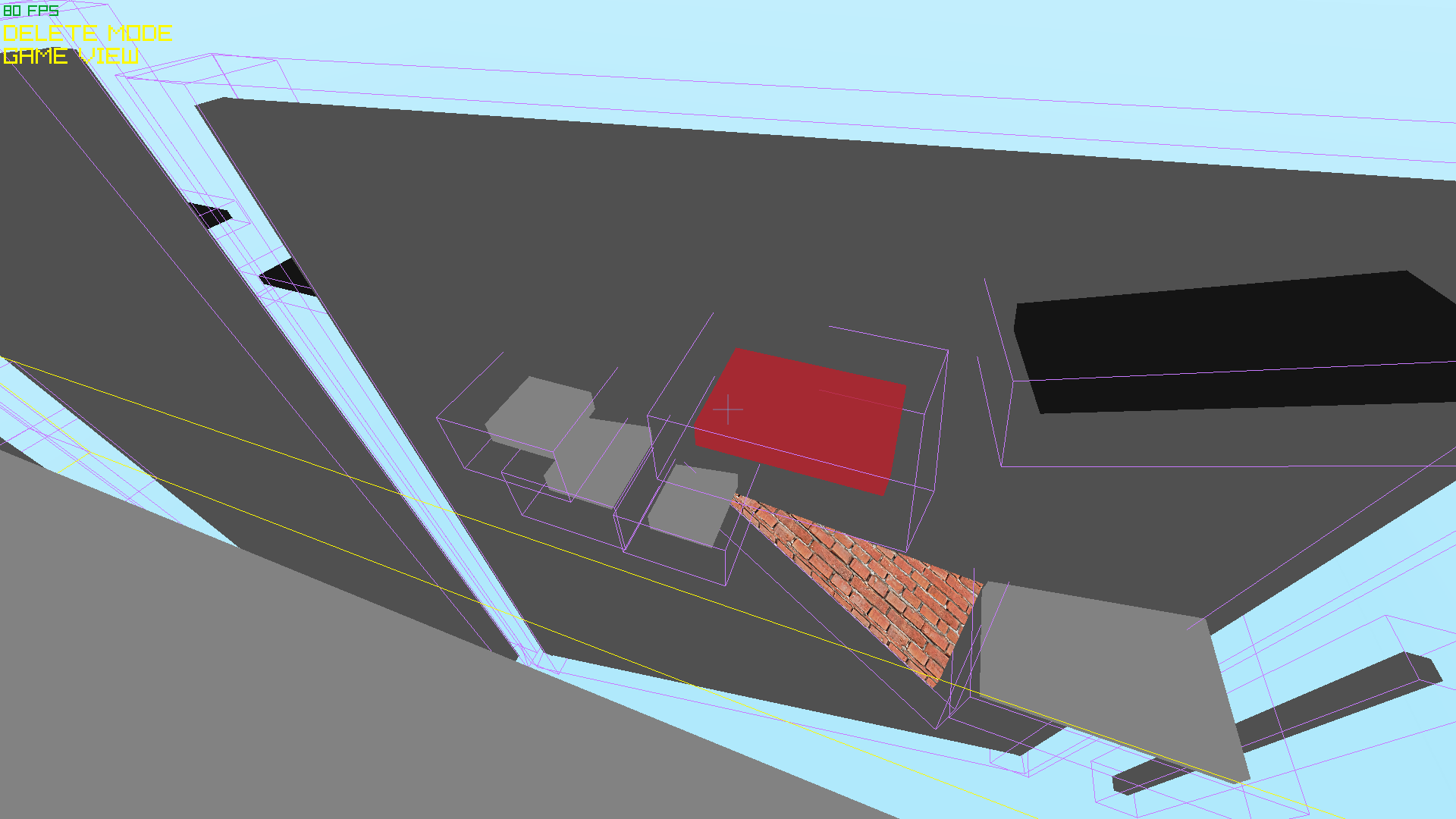
The most interesting achievment I made in this project was the implementation of my custom collision + physics system. It allows for player-environment, environment-player interactions. The implementation is completely my own and is based on the idea of Minkowski sum, however I actually use just an aproximation of the sum, as that makes the system simpler and in some cases even more intuitive for the player. The player is represented by multiple spheres, which thanks to the aforementioned aproximation basically makes it a cylinder shape, environment is represented by boxes (parallelograms to be precise, they can be sloped). Functionality includes: player movement with sliding(!) and gravity, requesting which objects are touching given entity (used for determining whether the player is standing on the ground or is in the air), moving non-player entities that can collide and push the player if possible, programmer can also set if the player will stick to the given entity or not (aka riding mechanic used for elevators and moving platforms), there are of course standard body intersection functions too.
Browser version
Play in your browser! You can test the web version of the game below, requires WebAssembly and WebGL.
The browser version is compiled using emscripten in combination with Zig build system. It works okayish, emscripten automatically sets fps equal to your device refresh rate (usually 60), so the game runs slower than usual. It also works on mobile devices, but I didn’t implement proper touch controls yet, so it isn’t really playable there.
Download
You can download portable version for Windows x86_64 here (ZIP).
Note: Should work on Linux too when executed through Wine, but I noticed some issues with number keys not working.
Controls
Mouseto look.W,S,A,Dto move.1to switch into ‘Ray’ mode -Left Mouseto shoot a ray,Right Mouseto delete all rays.2to switch into ‘Build’ mode -Tabto toggle between build structures (wall, platform, parallelogram),Arrowsto move the structure,+/-(orPageUp/PageDown) to adjust build height. HoldLeft Mouseto build a structure and adjust it’s size,Right Mouseto delete new structure,Enterto confirm new structure.3to switch into ‘Delete’ mode -Left Mouseto delete the structure you aim at.4to switch into ‘Edit’ mode -Left Mouseto select existing structure for editing,Right MouseorEnterto stop editing.Arrowsto move the edited structure,+/-(orPageUp/PageDown) to adjust it’s height or vertical position,Q/Eto rotate it along the Z axis,Z/Xto rotate it along the X axis,C/Vto rotate it along the Y axis.Shift+1to switch into ‘Game view’ - Standard first person movement with gravity and collisions, useSpacekey to jump.Shift+2to switch into ‘Free view’ - First person free view without gravity and collisions.Gto teleport to ground level.Hto show/hide collision boxes.EscorPto pause the game and thenEscfor unpause orQto quit the game.
Screenshots
Since I more enjoy programming my own rendering backends (see my Target shooting project) I don’t actively work on this project anymore. Otherwise the goal would be to improve the physics and in-game editor to the point that this project could be used as a simple FPS/Platformer game engine.